Posted On October 10, 2021

How To Hide Featured Image in Blog Posts in Single View

kimconnect 0 comments
blog.KimConnect.com >> Codes >> How To Hide Featured Image in Blog Posts in Single View

In WordPress, single posts can have a featured image to help with displaying in List views as well as search engine excerpts (previews). However, such featured images could overwhelm a blog post when they would dominate the upper section of an article. Therefore, it’s often necessary to hide featured images while retaining their prevalence in list views. Here are the steps:

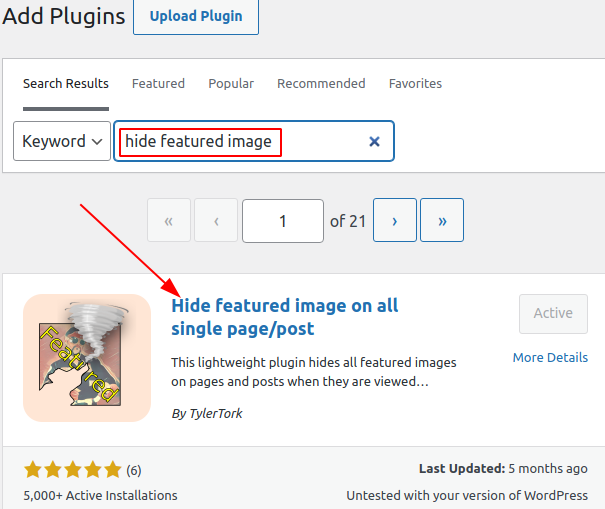
  1. Option 1: install plugin ‘Hide featured image on all single page/post’ 

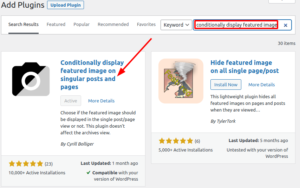
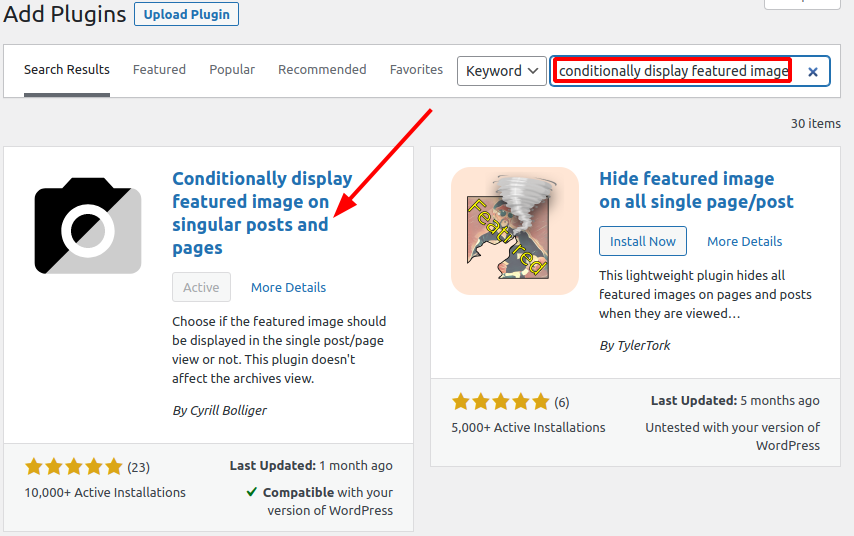
  2. Option 2: install plugin ‘Conditionally display featured image on singular posts and pages’
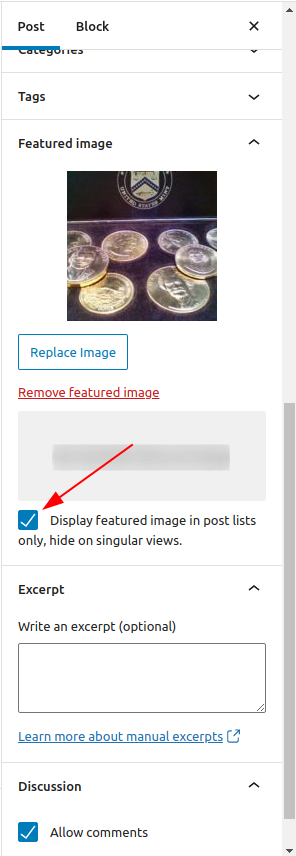
    Edit certain pages where featured images should be removed by placing a check mark next to ‘display featured image in post lists only’
Leave a Reply

Your email address will not be published. Required fields are marked *

Related Post

How To Stop, Start, Restart a Windows Service Being Stuck in ‘Stopping’ Status

Convenient Function:(related to https://blog.kimconnect.com/powershell-kill-a-windows-service-forcefully) # forceRestartService.ps1 # version 0.0.2 $serviceName='Spooler' function forceRestartService($serviceName='Spooler'){ $processId=Get-WmiObject -Class Win32_Service…

PowerShell: Monitor a Program Wizard for Its Task Completion

Once upon a time in the realm of SysAdmin endless green pastures, there were rampant…

Java Virtual Machine Optimal Memory Tuning

Overview: There are five available garbage collectors (GC) for Java Virtual Machines (JVM). Here are…