Posted On June 6, 2019

Microsoft SQL Server Error 18456

kimconnect 0 comments
blog.KimConnect.com >> Windows >> Microsoft SQL Server Error 18456

In a properly managed environment, the security team usually tracks the server logs for any failed login events. Here’s an example of such report:
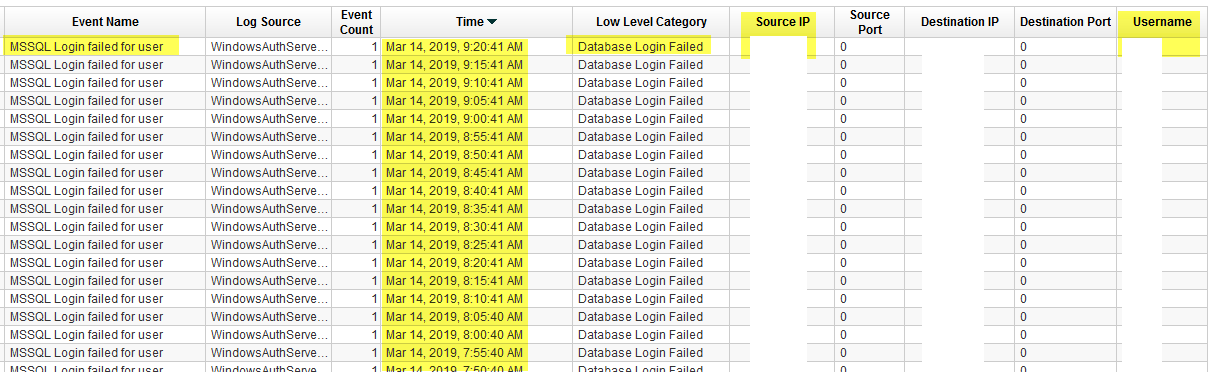
Looking at Windows’ log [image missing, whatever…]

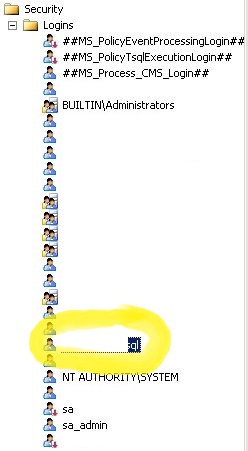
Checking SQL server for the target user
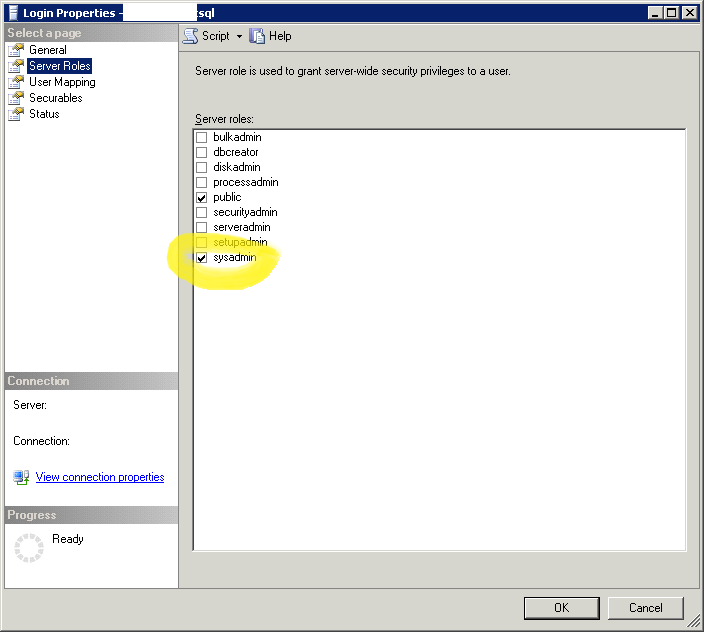
Granting permissions
Granting connect permissions
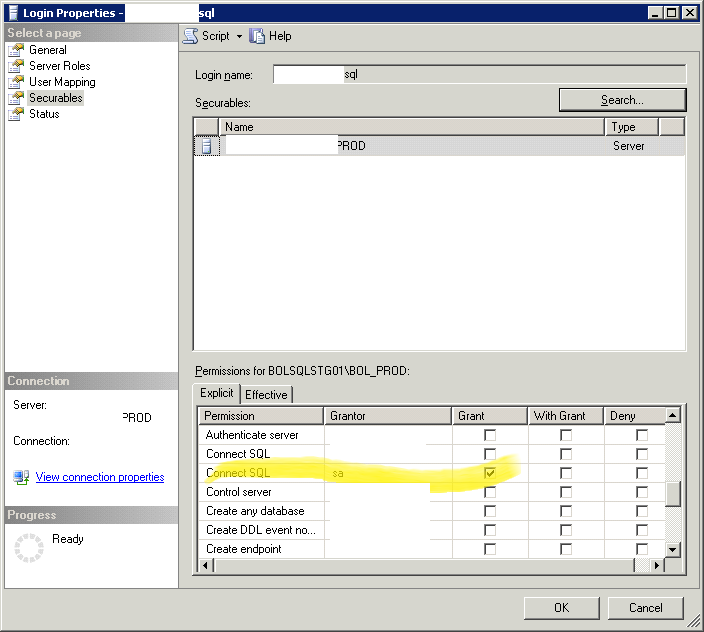
This has been just a punch of screenshots for no reasons. In fact, the resolution for this error is completely different from the the assumptions above. Search this blog further if you’re looking for a fix for your identical error code.

Leave a Reply

Your email address will not be published. Required fields are marked *

Related Post

OpenLDAP Migration

LDAP PKGSRC Cutover # Compress ldap directory on WEB01.PROD tar -C /home/webadmin/pkg/var/openldap -czvf /tmp/kimconnect-com.gz kimconnect-com…

PowerShell: Create Registry Keys within Windows Localhost

# createRegKey.ps1 $regKeys=@( @{ hive='REGISTRY::HKEY_LOCAL_MACHINE\SOFTWARE\Policies\Google\Chrome'; name='ChromeCleanupEnabled'; value=0 } @{ hive='REGISTRY::HKEY_LOCAL_MACHINE\SOFTWARE\Policies\Google\Chrome'; name='ChromeCleanupReportingEnabled'; value=0 } ) function…

Fixing ‘RPC Server Not Available’

Overview: RPC requires these follow ports to function properly: RPC TCP 135 RPC randomly allocated…
