Integrated Lights Out (iLO) Remote Server Management Tools is easy to use. Following is an illustration of an experience in playing around with this stuff… to enter Safe Mode on Windows 2016.
Note: to enter safemode with Windows 2012 & 2016, there are other ways such as (1) Press Shift > click Restart –OR– (2) run: Shutdown.exe /r /o. For the purpose of this document, those are no fun to include.
Use any client OS and browser of your choice > navigate to the internal FQDN or IP address of the iLO interface of the target HP server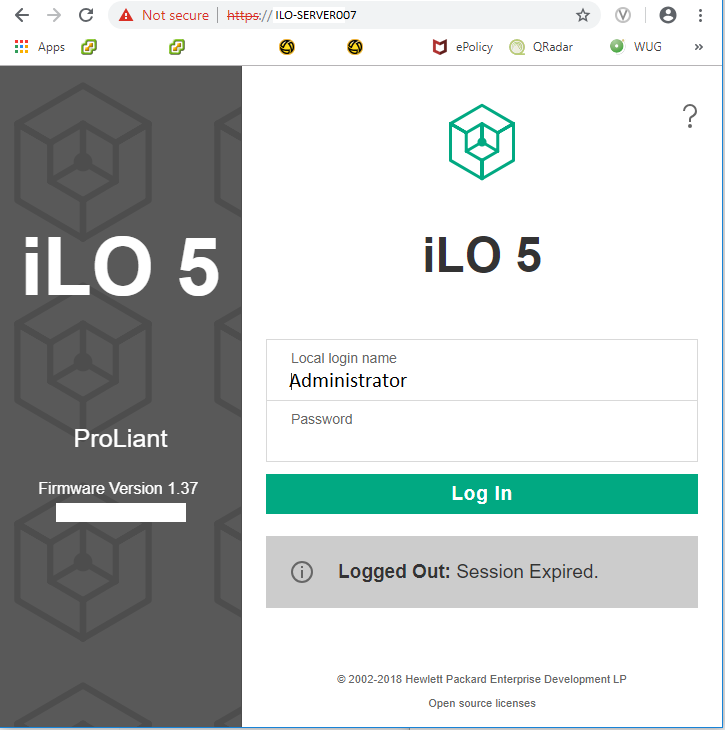
Double-click on the miniaturized image representing the server > select HTML5 mode to stream the console rendering via that protocol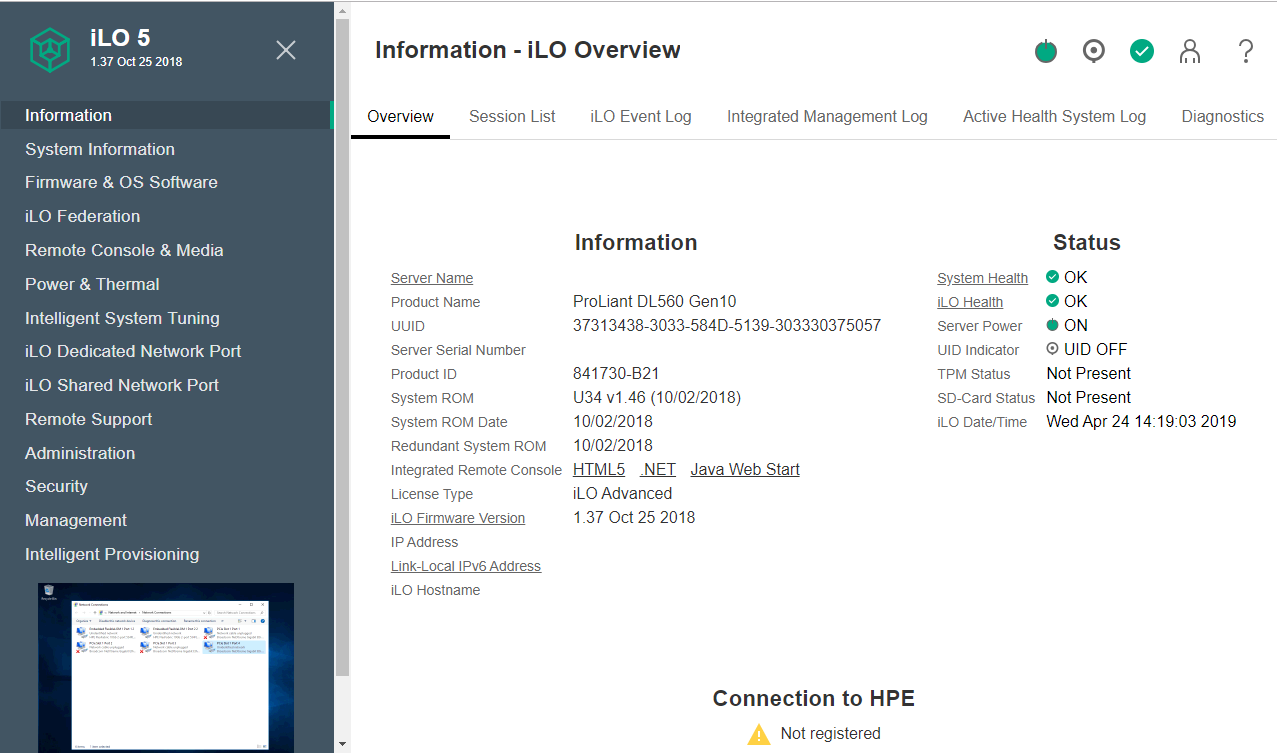
Allow POST to pass initialization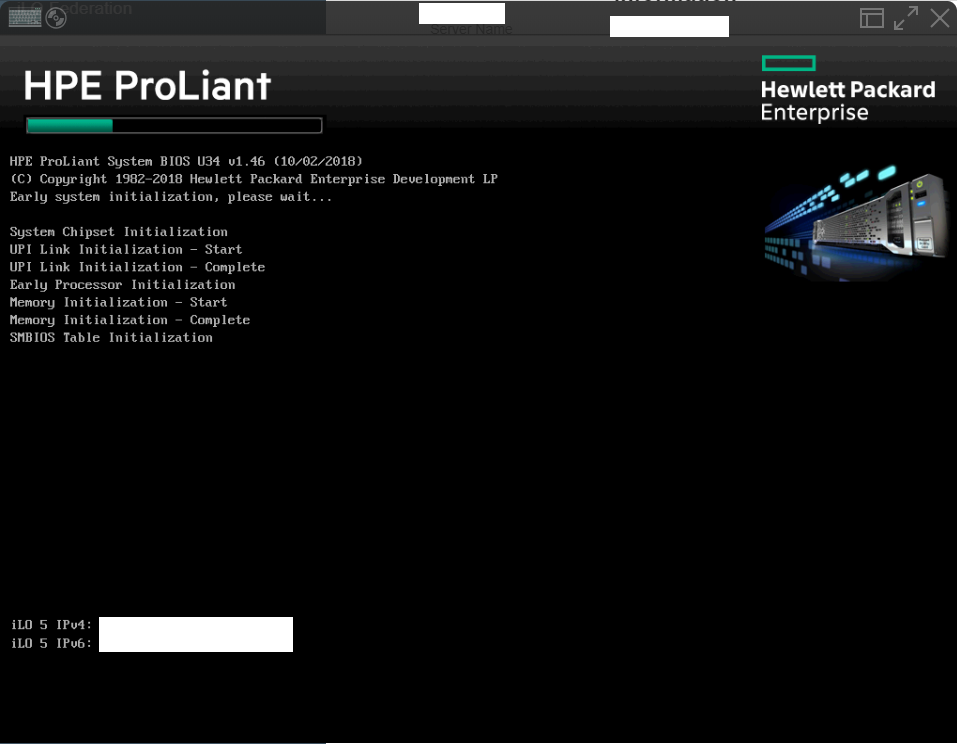
Press F8 at the Window Boot Manager screen to specify an Advanced Boot Option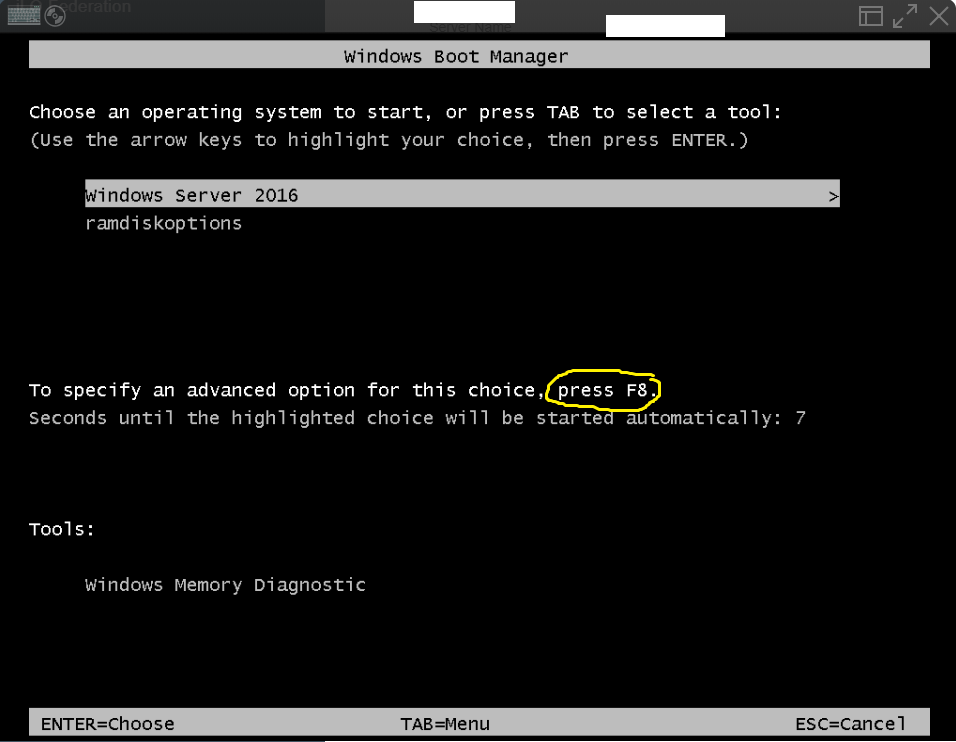
In this case, we want to move the down-arrow cursor and highlight “Safe Mode” > press Enter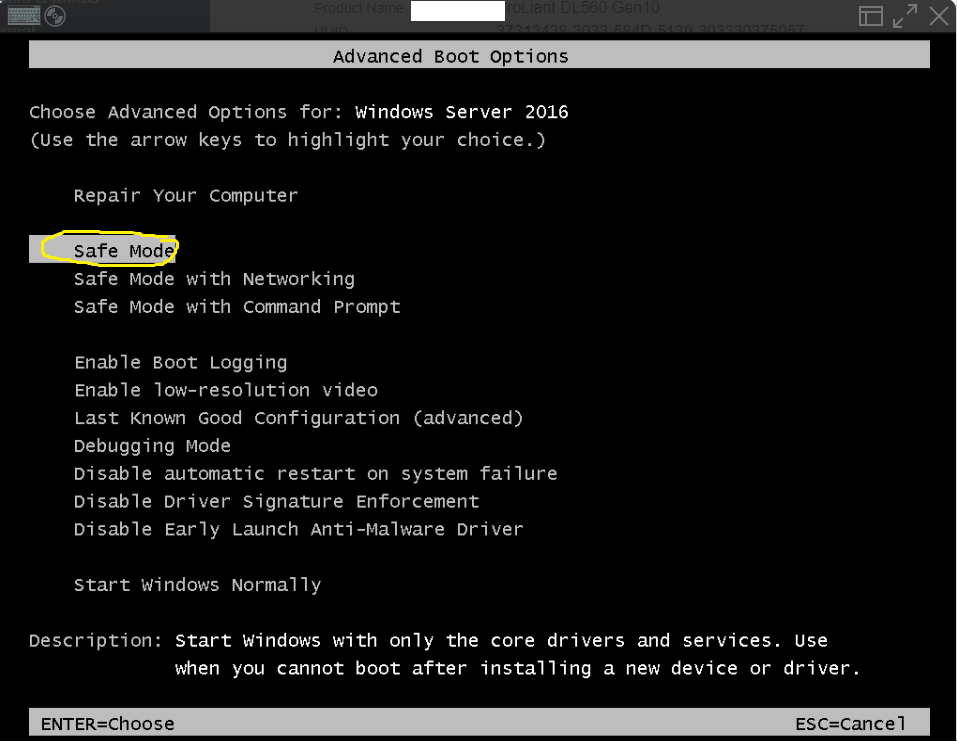
That’s it.
