CentOS 8 default installation already has this utility installed. To render it active, one only needs to run this command:
systemctl enable --now cockpit.socket
# Enable the wheel group
sudo sed 's/# %wheel ALL=(ALL:ALL) ALL/%wheel ALL=(ALL:ALL) ALL/' -i /etc/sudoers
To ensure that the admin account is a sudoer, this command would render such user as a member of wheel (administrator)
username=coco
usermod -aG wheel $username
Navigate to https://yourLinuxBox:9090
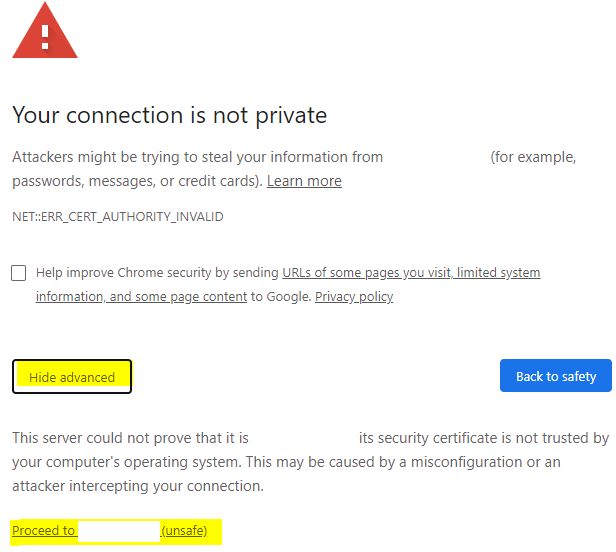
Modern browsers have safeguards to remind users when a URL doesn’t have a public cert, as this is a known machine in the trusted zone, it’s OK to click on ‘Advanced’ to proceed to https://yourLinuxBox (unsafe)
Creating New Accounts:
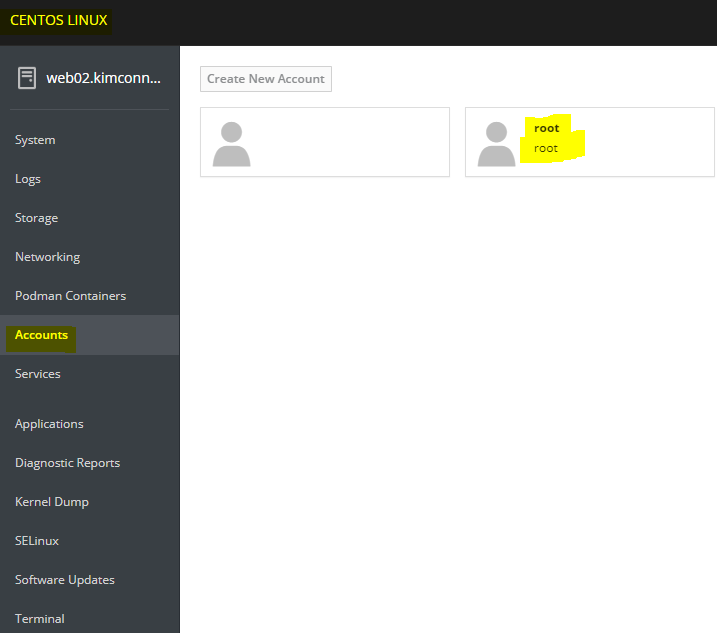
Login using the Admin account > simply click on the Accounts Link > Create New Account > follow the wizard
Categories:
