Check to see if SeaHorse is broken
kimconnect@nuc:# seahorse
Gtk-Message: 08:52:44.606: Failed to load module "canberra-gtk-module"
Gtk-Message: 08:52:44.608: Failed to load module "canberra-gtk-module"
Resolve dependency
sudo apt install libcanberra-gtk-module
Run an instance in a disjointed session
nohup seahorse </dev/null >/dev/null 2>&1 &
Explain:
nohup :no hangup
seahorse :some program
</dev/null :direct file descriptors (fd0,fd1,fd2) to the left
>/dev/null 2>&1 :Send standard output to /dev/null and then send standard errors to wherever standard output is going (which is also /dev/null). In short, throw away whatever this command writes to either file descriptor.
& :trigger Ctrl+C equivalent
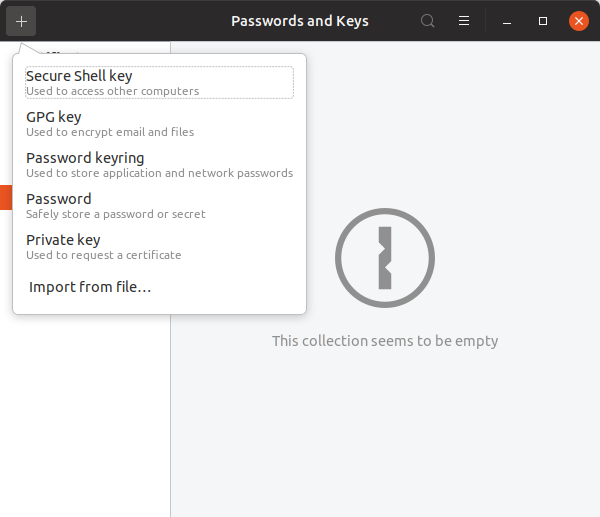
Kill all sessions with its name to release memory
pkill seahorse
Categories: