The easiest (GUI) method:
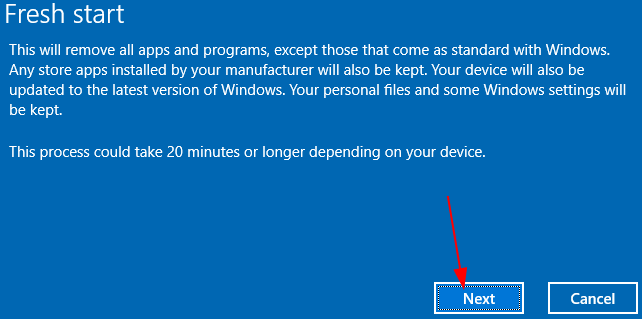
systemreset -cleanpc
The automated method:
# Experimental code: not working yet
$computerName=$env:computername
$namespaceName = "root\cimv2\mdm\dmmap"
$className = "MDM_RemoteWipe"
$methodName = "doWipeMethod"
$params = New-Object Microsoft.Management.Infrastructure.CimMethodParametersCollection
$newParam = [Microsoft.Management.Infrastructure.CimMethodParameter]::Create("param", "", "String", "In")
$params.Add($newParam)
$instance = Get-CimInstance -Namespace $namespaceName -ClassName $className -Filter "ParentID='./Vendor/MSFT' and InstanceID='RemoteWipe'"
$session = New-CimSession -computername $computerName
$session.InvokeMethod($namespaceName, $instance, $methodName, $params)
Categories:
