Adobe Acrobat Reader may be available as a .deb install-able package. However, its ‘Reader DC’ version is a little more challenging to install without using wine. Therefore the instructions below illustrates the easy method of using snap to add this utility onto the Linux machine.
# Enable snap on Linux Mint 20
sudo rm /etc/apt/preferences.d/nosnap.pref
sudo apt update -y
sudo apt install snapd

# Install Adobe Acrobat DC (stable version)
sudo snap install acrordrdc

# Initialize
sudo snap run acrordrdc
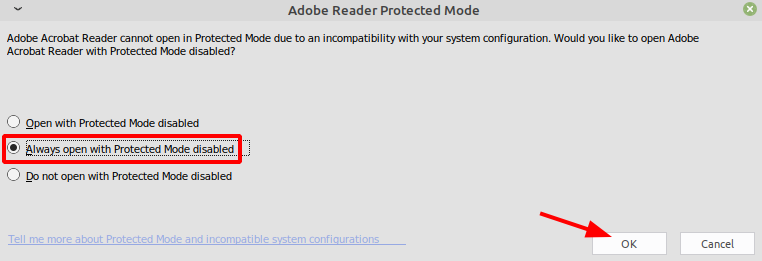
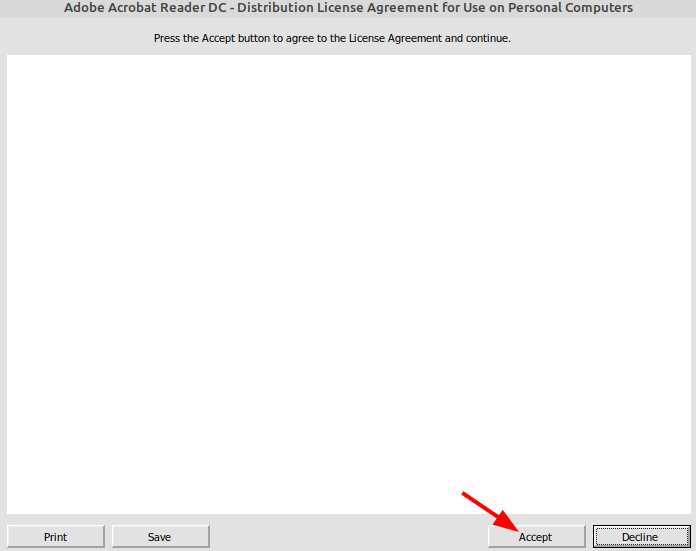
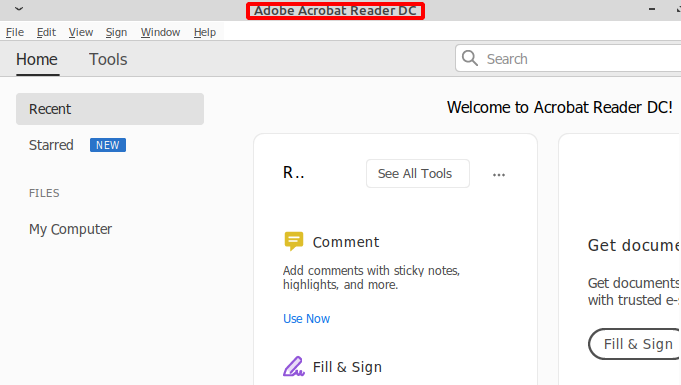
# Run Acrobat DC as un-elevated (normal) user
snap run acrordrdc
Categories:


Gery
Genius, thanks a ton, it worked like a champion. Just one tip, only use “snap run acrordrdc” (no sudo).
kimconnect
Thanks, Gery!
Junior Saldanha
ola, mt obrigado, mas trava ao tenta assinar com certificado
kimconnect
Sorry, Google translates your question as ‘hello, mt obrigado, more work or try to assinar with certificate’
Yo no comprendo. Ingles, por favor?