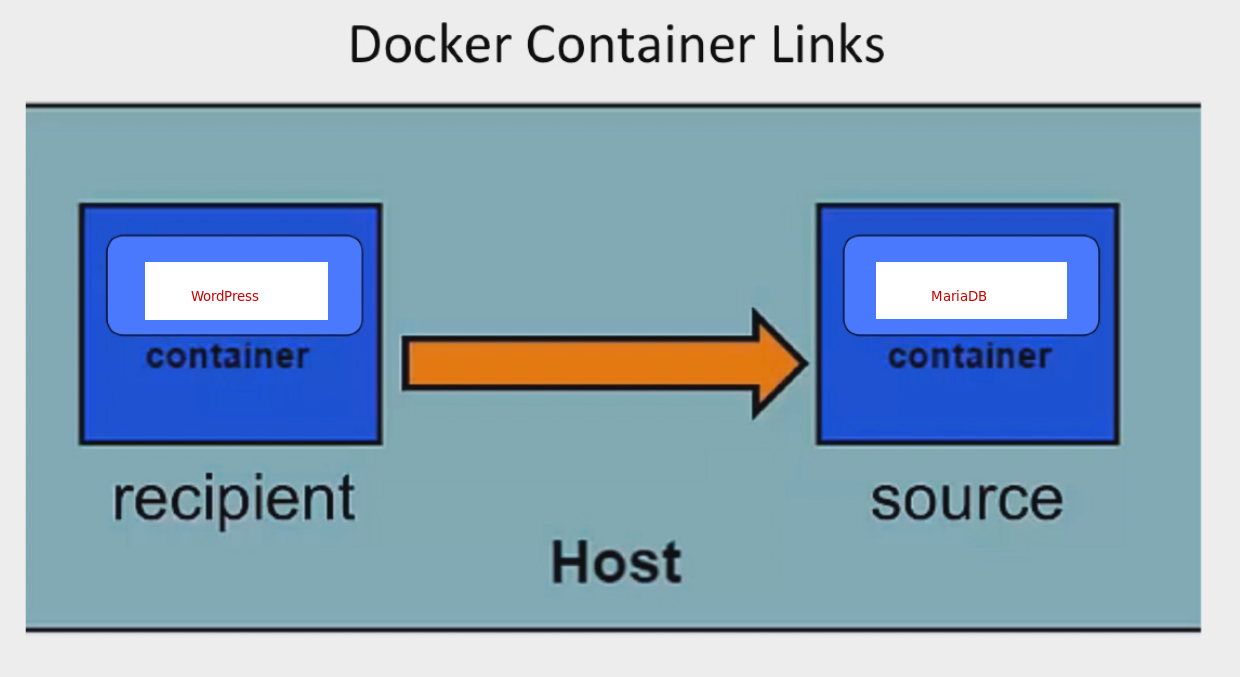
This yields several advantages:
1. Direct linking between containers is architectually efficient to direct traffic between endpoints. That is because containers within the same “project” can communicate without relying on switching or routing of the virtual network.
2. Not having to expose certain services/ports from back-end servers should improve the security posture of the overall design.
Here’s an example:
---
services:
  nextcloud:
    image: lscr.io/linuxserver/nextcloud:latest
    container_name: kimconnect-nextcloud
    environment:
      - TZ=America/Los_Angeles
    volumes:
      - /volume1/docker/kimconnect/config:/config
      - /volume1/docker/kimconnect/data:/data
#    network_mode: "bridge"
    depends_on:
      - postgresql
    ports:
      - 4443:443
#      - 3478:3478
#      - 3478:3478/udp
    restart: unless-stopped
    links:
    - postgresql
  postgresql:
    image: bitnami/postgresql:latest
    container_name: kimconnect-postgresql
    environment:
      - TZ=America/Los_Angeles
      - POSTGRESQL_USERNAME=SOMETHINGHERE
      - POSTGRESQL_PASSWORD=SOMEPASSWORDHERE
    volumes:
      - /volume1/docker/kimconnect/postgresql:/bitnami/postgresql
#    network_mode: "bridge"
#    ports:
#      - 55432:5432
    restart: unless-stopped
Categories: