Posted On July 3, 2020

How to Remove Question Mark ‘Info’ Button in SyntaxHighlighter

kimconnect 0 comments
blog.KimConnect.com >> Codes >> How to Remove Question Mark ‘Info’ Button in SyntaxHighlighter

If you’re looking for a way to remove this subtle, yet spammy link:
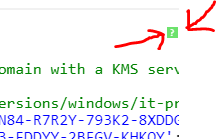
Do this:
Goto Dashboard > Appearance > Customize > Additional CSS
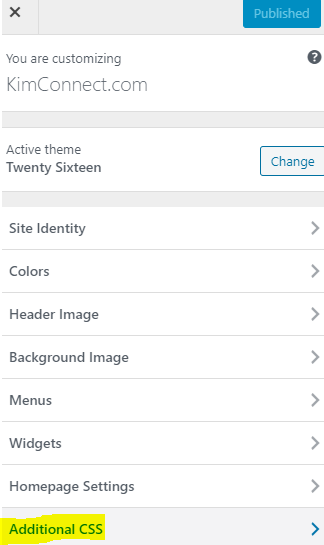
Simply paste this code:

.syntaxhighlighter .toolbar {
    /*color: white !important;
    background: #6ce26c !important;
    border: none !important;*/
    display: none;
}

Yo welcomed, homie.

Leave a Reply

Your email address will not be published. Required fields are marked *

Related Post

Windows UAC Error This App has been blocked for your protection mmc.exe taskschd.msc

Error Message: User Account ControlThis App has been blocked for your protection.A administrator has blocked…

Enable Serial over Ethernet

enableconfig tplatform console serialendcopy run startreload

Install Apps on Remote Computers via WinRM & Chocolatey

Version A: [string[]]$computers=@( 'SERVER01', 'SERVER02', 'SERVER03' ) [string]$chocoAppName='pgadmin4' [version]$minVersion='6.0' $results=[hashtable]@{} foreach ($computer in $computers){ $session=new-pssession…
