
Step 1:
sudo apt updatesudo apt install mintupgrade
Step 2:
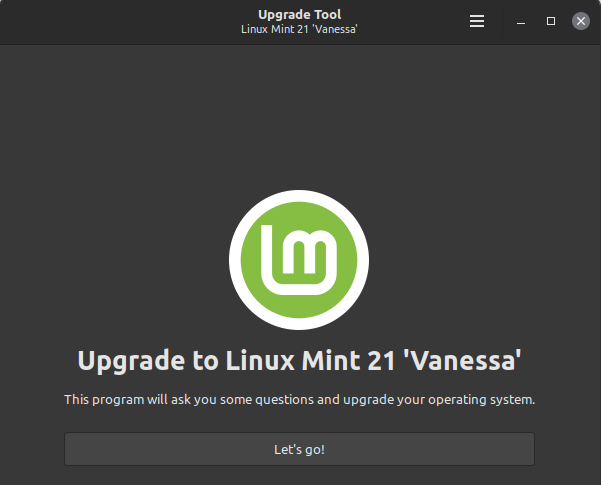
sudo mintupgrade
Troubleshooting:
Error message: “Your version of Linux Mint is ‘Vera’. Only Linux Mint 20.3 ‘Una’ can be upgraded to Linux Mint 21 ‘Vanessa’
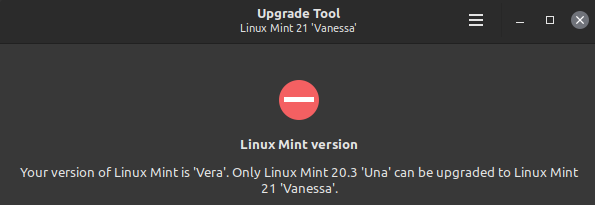
Note that the warning above indicates that the utility has detected that the current system version as 20.03; hence, it’s necessary to verify using this command:
$ cat /etc/linuxmint/info
RELEASE=21.1
CODENAME=vera
EDITION="Xfce"
DESCRIPTION="Linux Mint 21.1 Vera"
DESKTOP=Gnome
TOOLKIT=GTK
NEW_FEATURES_URL=https://www.linuxmint.com/rel_vera_xfce_whatsnew.php
RELEASE_NOTES_URL=https://www.linuxmint.com/rel_vera_xfce.php
USER_GUIDE_URL=https://www.linuxmint.com/documentation.php
GRUB_TITLE=Linux Mint 21.1 Xfce
Using the sample output above, we can determine that mintupgrade has falsely detected the host OS version. Thus, consider this post as short waste of your reading time if your OS has already been upgraded via other means 🙂
Categories: