Step 1: Download ISO onto a Centralized Network Share
Step 2: Connect to Remote Server via RDP and Copy Files
Although SMB, SFTP, FTPS, FTP, or SCP (all distinct protocols) are more efficient at file copying, those ports may not be opened for a certain protected subnets. Thus, we must use RDP redirection to copy large files over to the destination Windows host.
Run: mstsc.exe > click “Show Options” > select “Local Resources” tab > click on “More“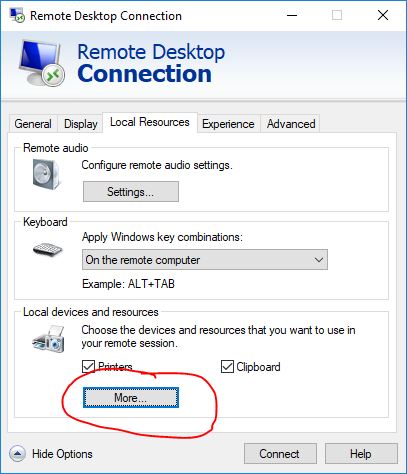
Select the network share of local hard drive that contains the downloaded ISO > OK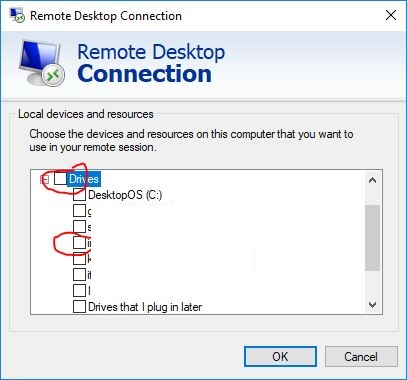
Step 3: Mount ISO and Run Smart Update Manager
Navigate to the drive letter that has been mounted to locate the desired ISO > copy that file onto the desktop > right-click on copied file at destination > Mount > navigate to the mounted ISO > run launch_sum.bat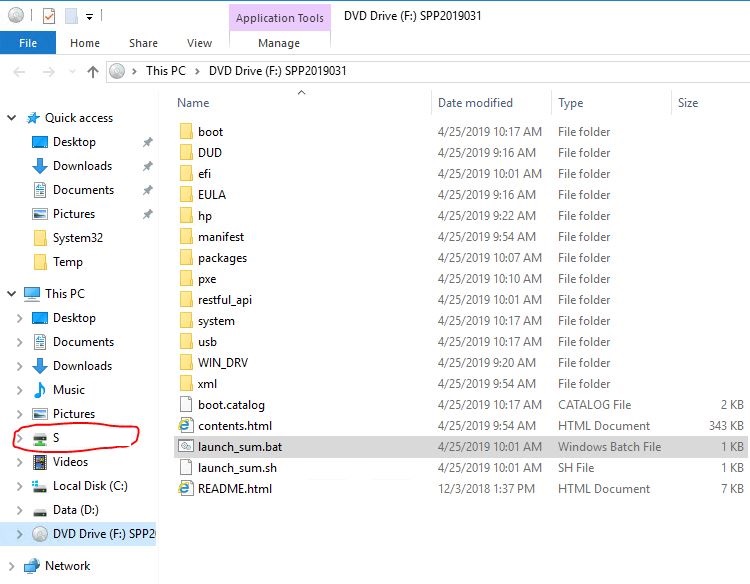
Wait for the script to complete as it will automatically launch a browser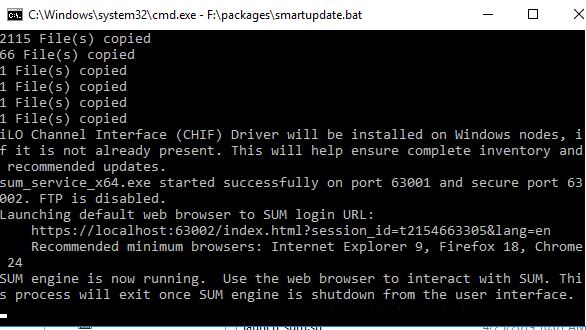
Once the HPE Smart Update GUI starts, click on the 1..2..3.. button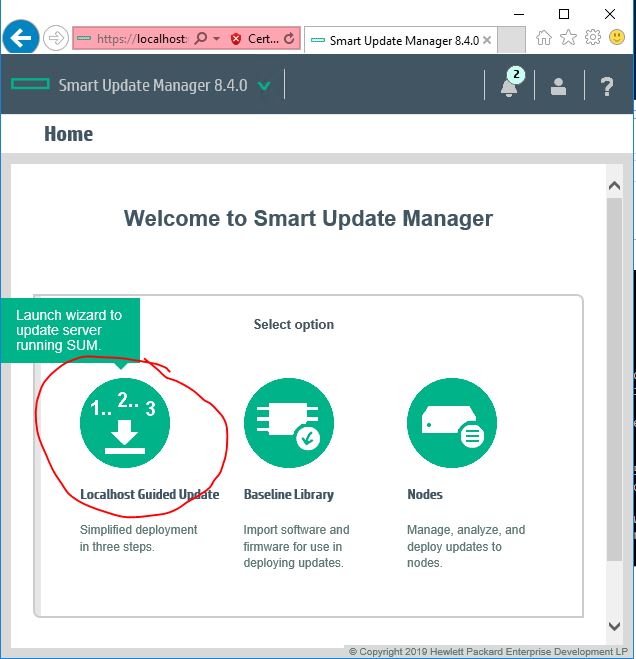
Click OK to accept default Mode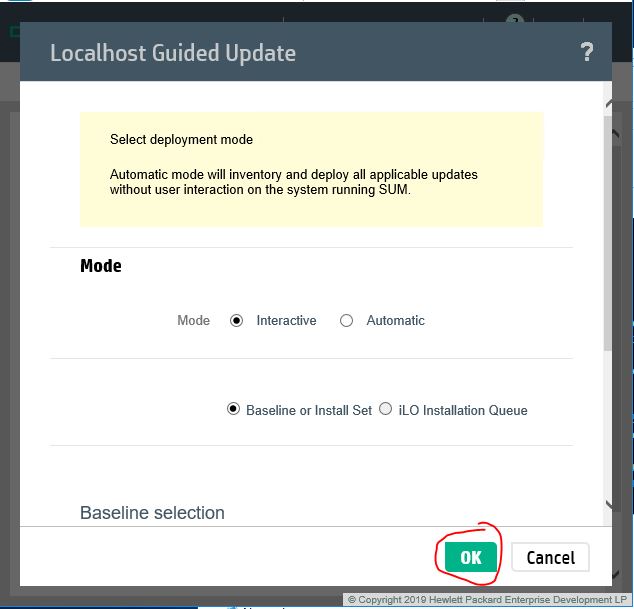
Click Next on the Inventory of baseline and node screen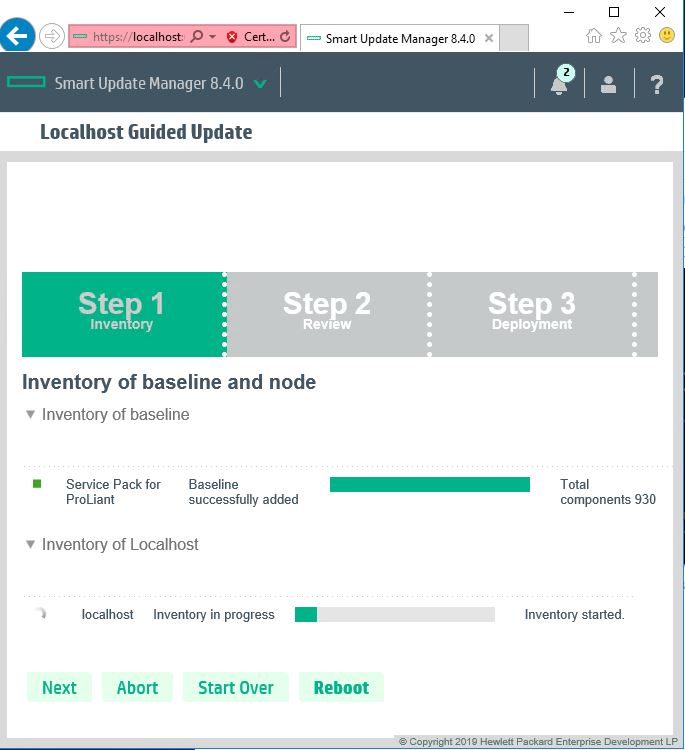
Once the scan completes > put a check mark next to “Select All” > scroll down toward the bottom of the page > click Deploy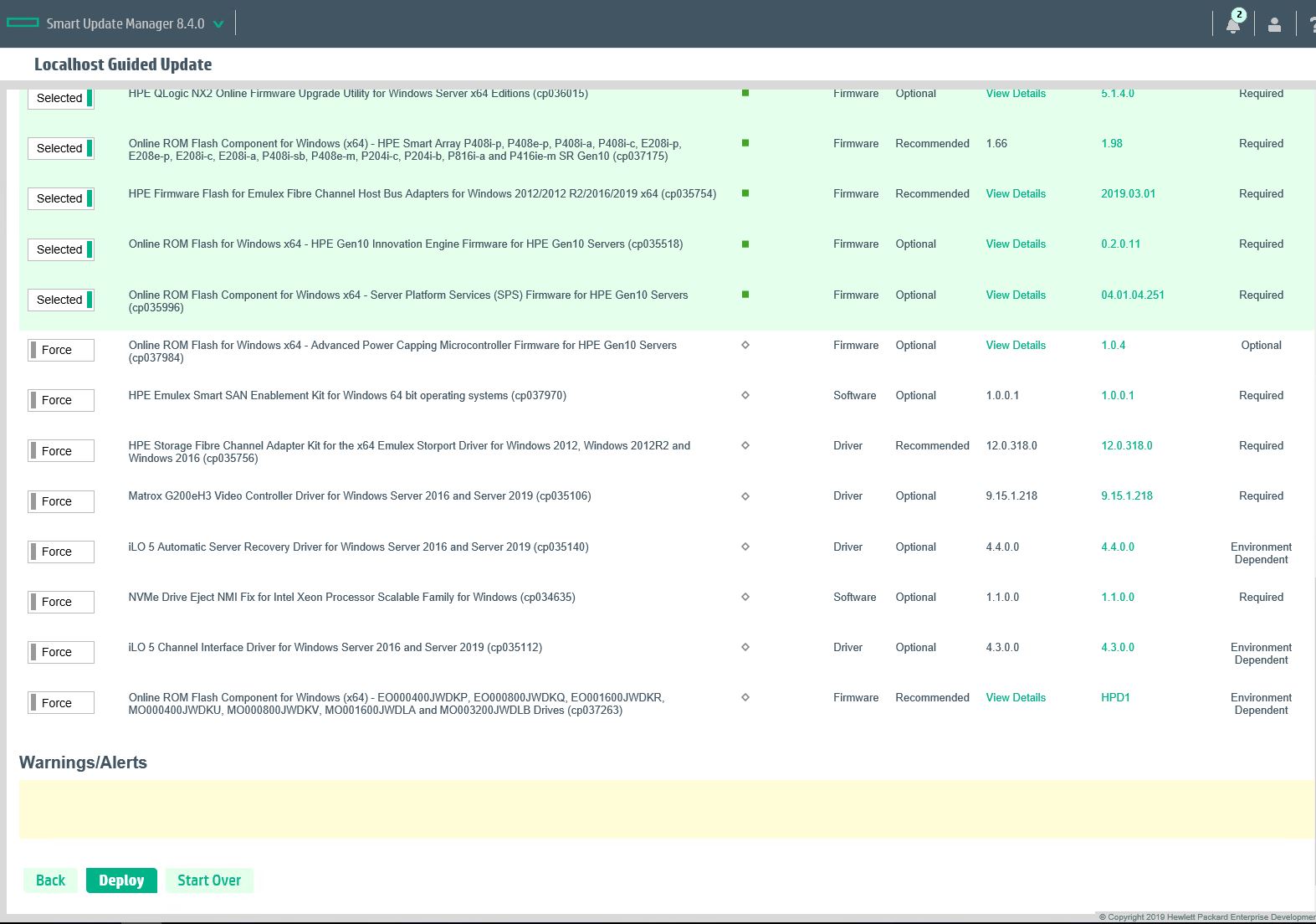
Reboot when Done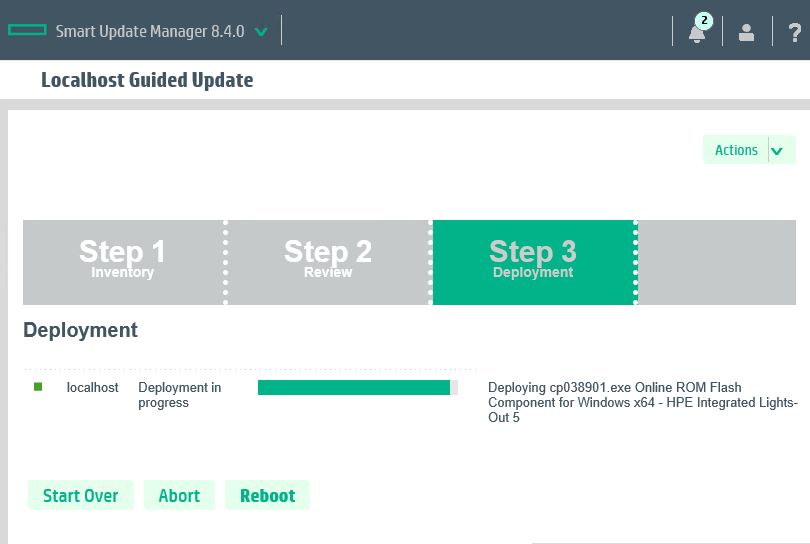
It’s a good idea to perform a rescan once the computer has restarted. There may be packages that would only apply after a preceding package has been deployed. Repeat these steps as necessary.
