One of the features of IIS security is to enforce file access by its associated extensions. As such, objects that are not set in IIS with a specific type association such as .zhp (Swiftview proprietary extension) would not be rendered by a client browser. To resolve such quirk, one would need to manually add a new entry onto the “MIME types” using the convention as recommended by the software vendor. The procedure to accomplish similar task is as follows:
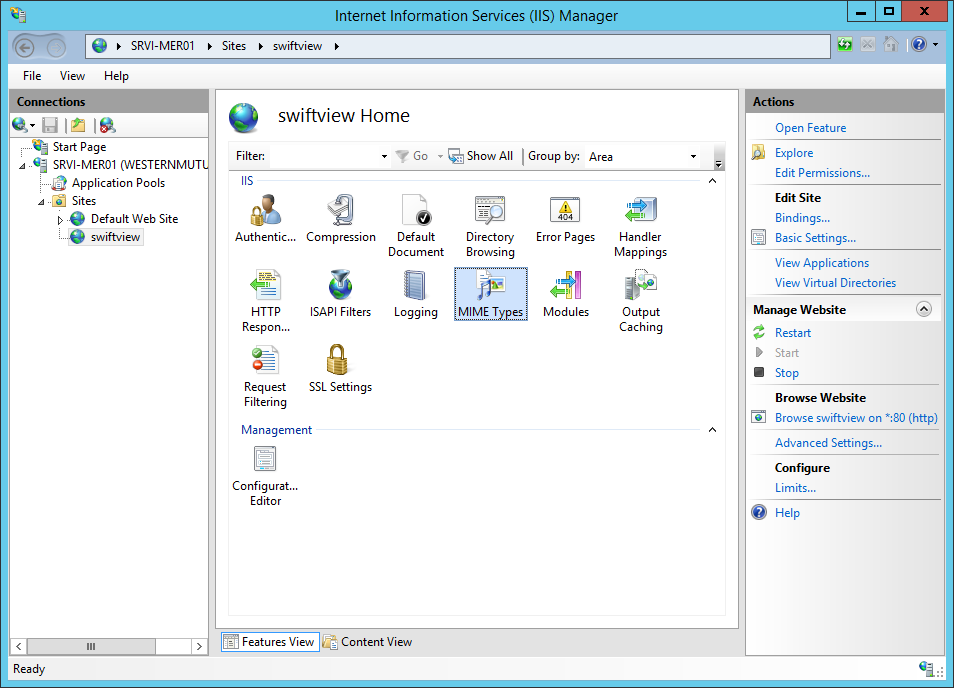
Step 1: open IIS >> browse to the specific “site” such as the one below >> double-click on the “MIME Types” icon
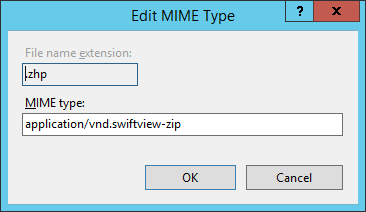
Step 2: click on the “Add” button from the right hand side of Actions menu >> type in the information below
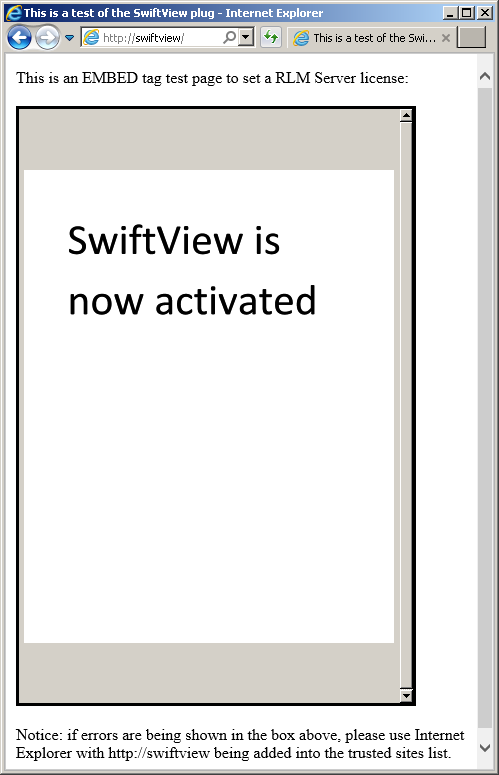
Step 3: on a Windows client, open Internet Explorer and browse toward the site via its FQDN to verify the application’s successful execution