Error Message:
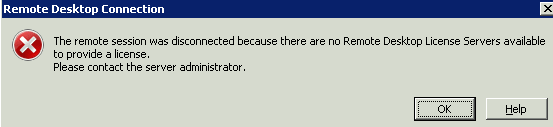
[Window Title]
Remote Desktop Connection

[Content]
The remote session was disconnected because there are no Remote Desktop License Servers available to provide a license.
Please contact the server administrator.

[OK] [Help]
Resolution:
- Ensure that the RDS-RD-SERVER is able to reach RDS-License. The easiest method would be in install RDS-License role onto the same host.
- Follow this guide: https://learn.microsoft.com/en-us/troubleshoot/windows-server/remote/cannot-connect-rds-no-license-server
Error Message:
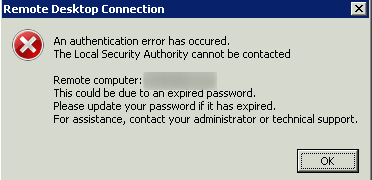
[Window Title]
Remote Desktop Connection

[Content]
An authentication error has occured.
The Local Security Authority cannot be contacted

Remote computer: TestSherver
This could be due to an expired password.
Please update your password if it has expired.
For assistance, contact your administrator or technical support.

[OK]
Resolution:
- Check whether the name of the TestSherver is correct. Try to connnect using FQDN.
- Change DNS server of the client to use one that has a-record or cname of the destination Sherver
Categories:
