Posted On March 11, 2023

Linux: how to bypass login keyring prompts

kimconnect 0 comments
blog.KimConnect.com >> Linux >> Linux: how to bypass login keyring prompts
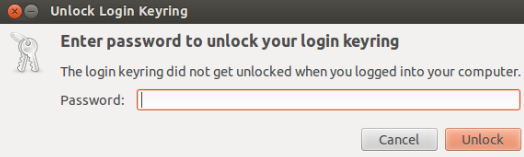
Error Message: 

Something along the line of ‘keyring default keyring but it is locked’
Resolution:
CLI Method:
oldPassword=yourOldPasswordHere
echo python -c "import gnomekeyring;gnomekeyring.change_password_sync('login', '$oldPassword', '');"
GUI Method:

Run Seahorse:
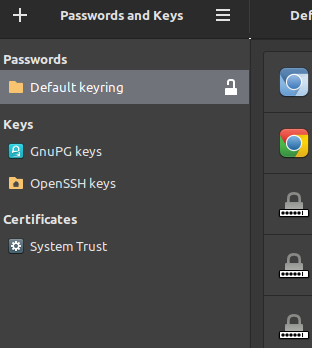
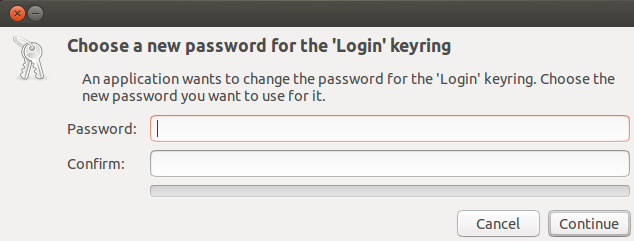
Right-click ‘Default keyring’ > Change Password > Input old password > Continue > leave these fields blank > Continue
Leave a Reply

Your email address will not be published. Required fields are marked *

Related Post

Linux Mint /dev/sda1 Out of Space Issue

Issue: "sudo apt --fix-broken install"leads to something such as:"dpkg: error processing archive /var/cache/apt/archives/linux-image-6.8.0-87-generic_6.8.0-87.88~22.04.1_amd64.deb(--unpack):cannot copy extracted…

Linux: Manual File System Partitioning

Most Linux installation wizards offer the feature of automatic allocation of storage resources as discovered…

Linux: Installing Portainer

Step 1: install Dockerhttps://blog.kimconnect.com/linux-installing-docker-community-edition-on-centos-8/ Step 2: install networkThere are two modes: bridge or 802.1q trunk…
