There appears to be a flood of bad USB flash drives on the market at the moment. An example of this is a 512GB that I’ve bought recently.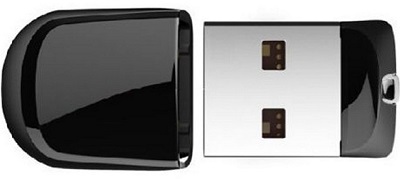
While attempting to copy a bulk amount of data onto the drive, it has stopped accepting files at the first choke point of 170GB initially. When I have moved it to a different USB slot, it continues to add files with intermittent access errors.
First stop at 170GB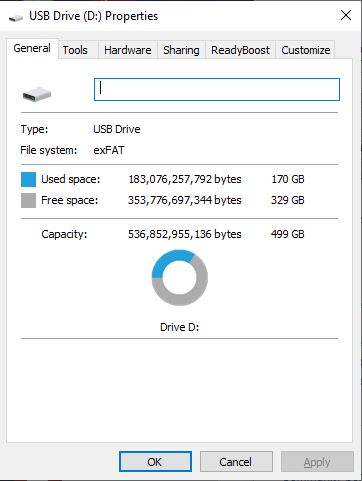
This device has been purposefully manufactured with the memory controller of a 512GB. The OS relies on the hardware abstraction layer that reports such higher capacity, while the solid RAM can only store a much lesser amount of data. Also, the memory type on this USB is legacy. It conforms to the USB 2.0 standard instead of 3.0 that my seller has advertised. Hence, reading & writing onto the memory stick will be mucho slow.
Here are some symptoms:
Error 0x80070570: the file or directory is corrupted or unreadable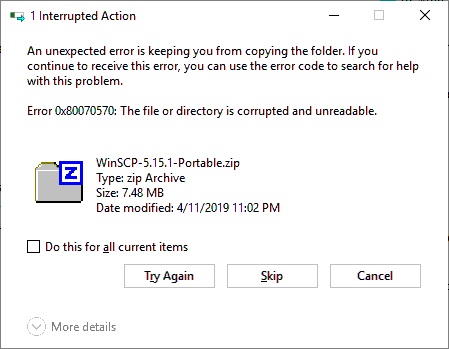
Windows scanning and repairing utility being frozen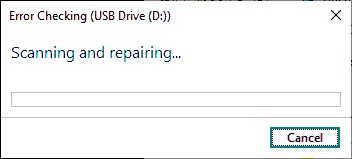
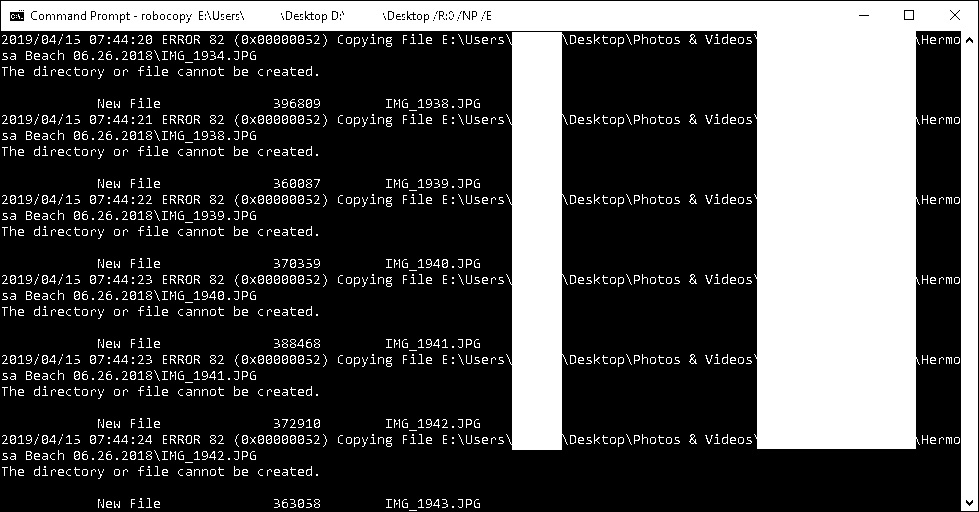
Error 80 (0x00000052) being barfed by robocopy