This error can occur during an installation of a Brothers branded printer or multi-functional scanner machine.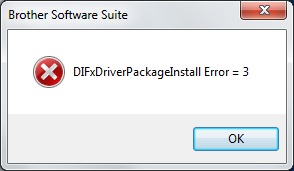
How to resolve?
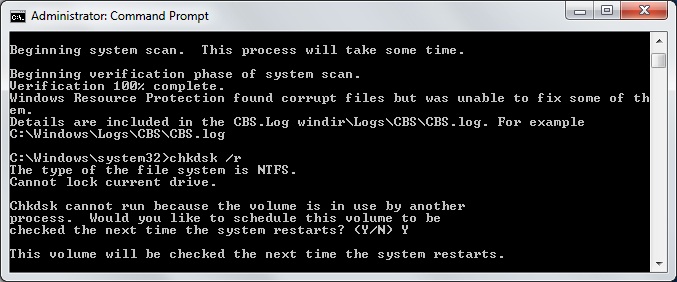
Run CMD as Administrator > Issue these two commands:
# Perform Windows kernel scan and check-disk
sfc /scannow
chkdsk /r /f

# Reboot
shutdown -r -t 0
Use Brother’s Device Driver Uninstall Tool
Download:
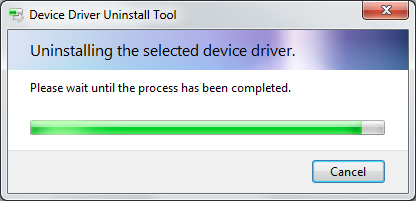
Run the Uninstaller Tool and then retry the installation: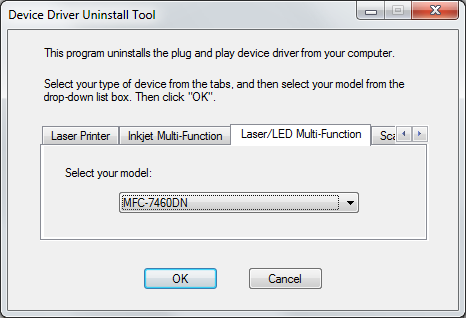
Symptom:
The installer has expected to to find extracted files in the C:\Temp directory. If those directories don’t exist, this error would occur:
"A driver was found for the device, but an error occurred during installation. The system can not find the path specified."
Solution:
Recreate C:\Temp if it doesn’t already exist
Also, ensure that Windows Print Spooler service status is “started” by following these steps:
1. Run: services.msc
2. Open [Services and Applications] > [Services] > find the [Print
Spooler] service.
3. Select [Print Spooler] and double-click the left mouse button to open
the setting interface of the [Print Spooler] service > Set [Startup Type] to Auto > click OK
4. Restart the computer and then retry printer driver installation
5. If that still doesn’t resolve the problem, try these two other articles
