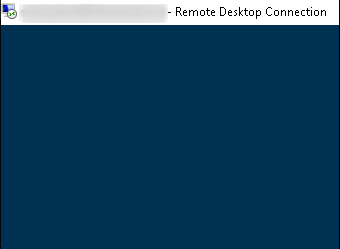
Problem: when an RDP session is idle for an extended period of time, that session becomes stale and even blue screens indefinitely. Often, a workaround of ‘kicking’ that user’s session is required for re-connections. This appears to occur more often between Windows 10 clients and Windows Server 2019.
Resolution:
$registryPath='REGISTRY::HKLM\software\policies\microsoft\windows nt\Terminal Services\Client'
$regKeyname='fClientDisableUDP'
$regValue=1
$regValueType='DWORD'

New-ItemProperty -Path $registryPath -Name $regKeyname -Value $regValue -PropertyType $regValueType -Force
If that doesn’t work, I’ve advised the user to install the new Microsoft alternative RDP client: https:// www.microsoft.com/en-us/p/microsoft-remote-desktop/9wzdncrfj3ps. Personally, I use mRemoteNG and have not experienced this issue since.
Categories:
