Step 1: Install PlayonLinux
kim@kimlinux:~# sudo apt install playonlinux -y
Step 2: Install Internet Explorer
Search for ‘playonlinux’ > run that newly installed application > click on Install > press the Internet button > scroll down to select Internet Explorer 8 > click Install
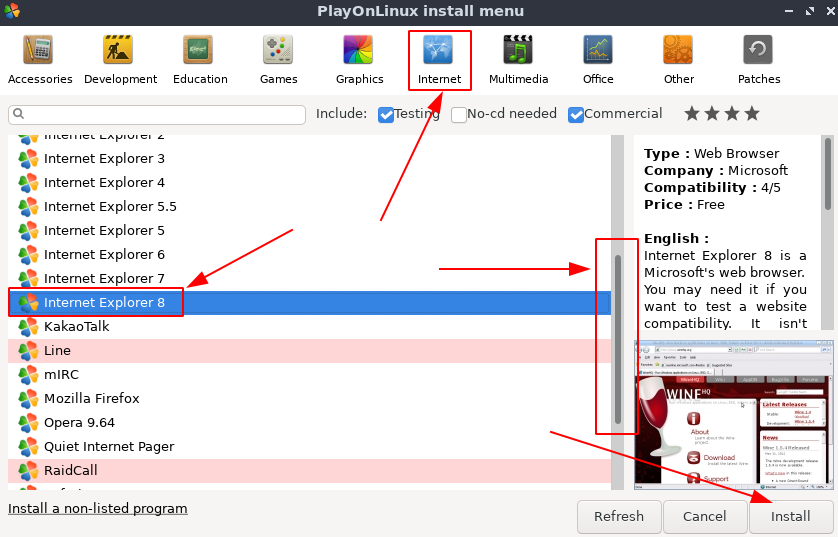
Select Next > Next > Next > Next > click Install to include Wine Mono Installer
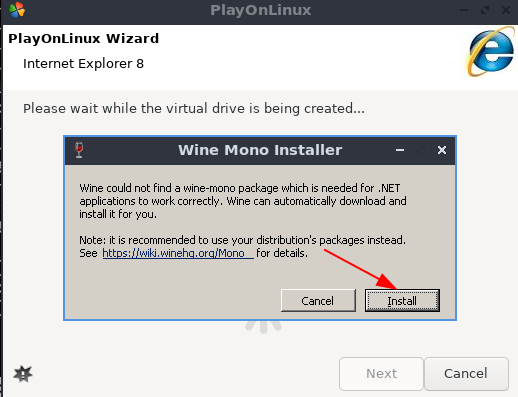
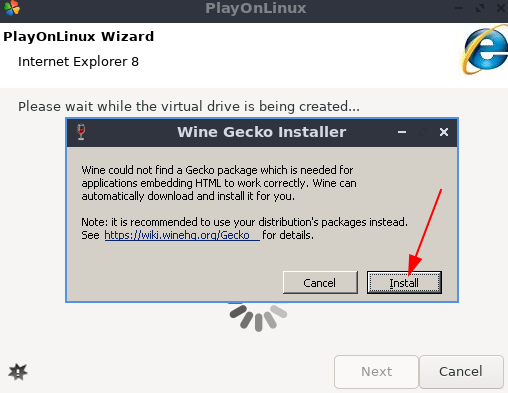
Click on Install again to add Wine Gecko
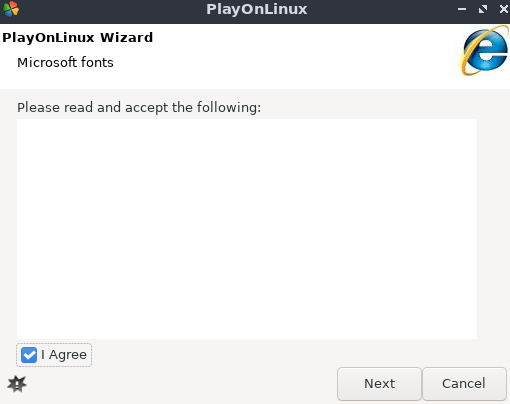
Next > put a check mark next to ‘I agree’ to the blank agreement > Next
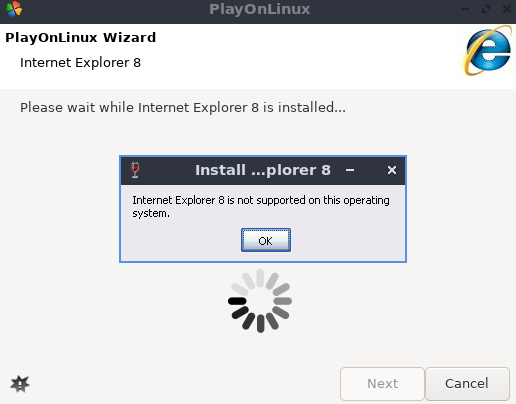
click OK on this prompt (ignore the message, ‘Internet Explorer is not supported on this operating system’
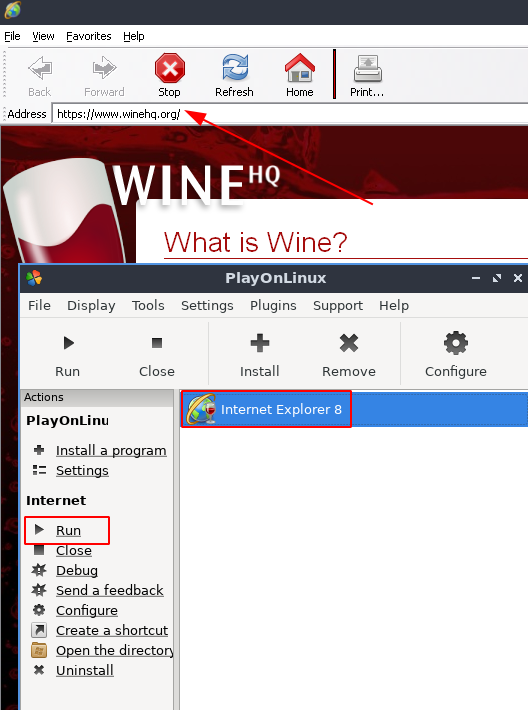
Navigate back to PlayonLinux to locate the newly installed IExplore.exe > select the item > click Run to invoke the program
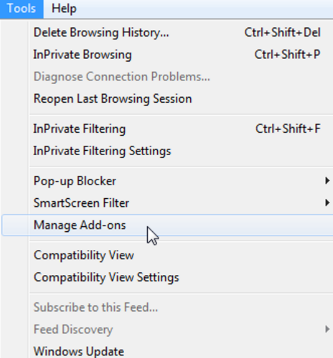
Quick screenshot of managing add-ons:
Categories:

Mahadev
Dear Sir
i install ubuntu 20.04 , and try to install playonlinux. But error show … unableto locate package plyonlinux
so plz help
kimconnect
Try:
sudo add-apt-repository universe multiverse -ysudo apt update -y
Glyn
You’ve got a typo – it should be playonlinux not plyonlinux
kimconnect
Thanks, fixed
Juan Carlos Langarano
How do I add a Browser add on ?
kimconnect
Hi Juan,
Although I haven’t tested this implementation of Internet Explorer 8, I suspect that it should have all the GUI features of that legacy browser. I’ve updated the post to add a quick screenshot to answer your question.