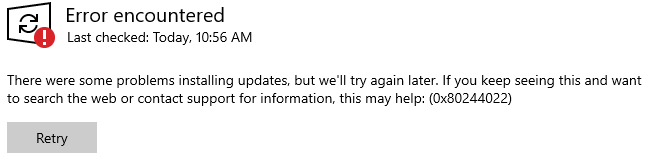
Error Message:
There were some problems installing updates, but we’ll try again later. If you keep seeing this and want to search the we or contact support for information, this may help: (0x80244022)
Resolution:
This error usually happens when a workstation is using WSUS to pull updates. It often means that the Application Pool on the WSUS server has been stopped. Restarting that would resolve the issue.
Run InetMgr.exe > Application Pools > WsusPool > Start
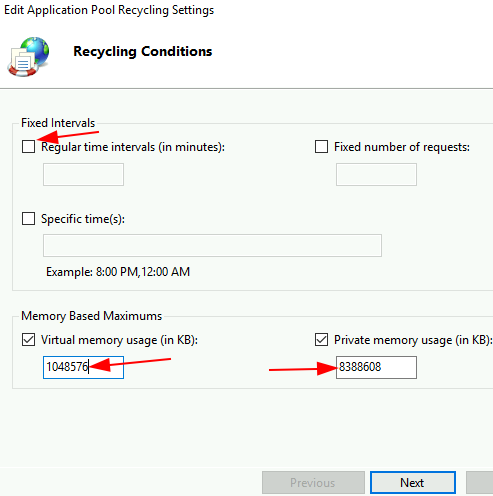
Right-click WsusPool > Recycling > Uncheck ‘Regular time intervals’ > check ‘Virtual memory usage (in KB)’ and ‘Private memory usage (in KB)’ > set values as appropriate (e.g. 8388608 or 8GB of private and 1048576 or 10GB of virtual) > Next > Finish
Sometimes, WSUS is unhealthy. Thus, it may cause IIS crash regardless of the memory fix above. Fixing WSUS is beyond the scope of this article.
